

Wednesday, 25 November
Overview
Tasks done
128+12% vs last weekIn progress
246 due todayToday
6/9- Plan Q1 roadmapProductFri
- QA checkout on AndroidEngineering16:30
- Interview three customersResearch14:00
- Ship icon set v2DesignWed
- Write release notesProductWed
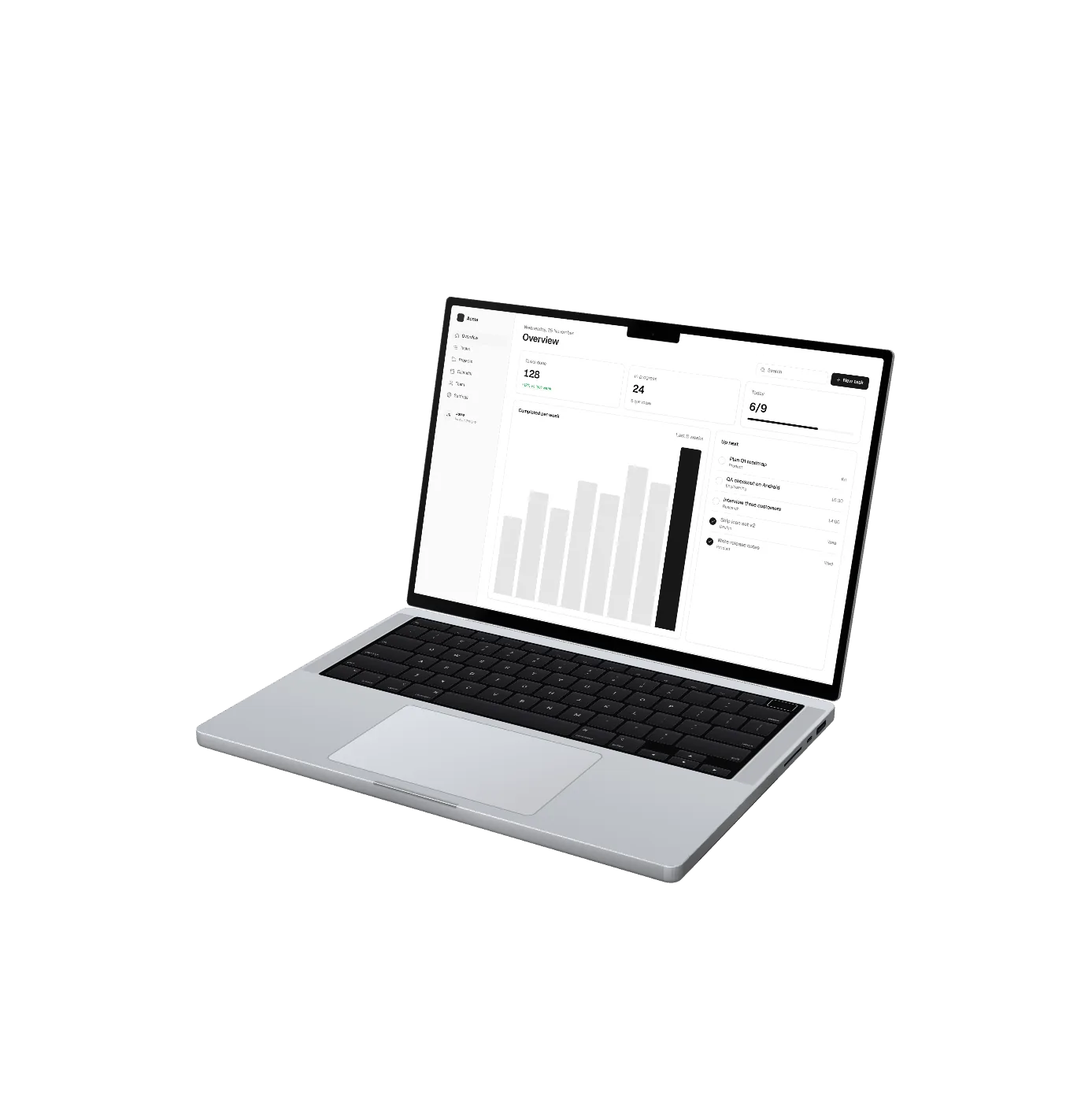
MacBook Pro 14" 3D mockup for Figma
A realistic MacBook Pro 14" built in native Figma 3D. Put your design in its flat screen and the 3D computer shows it straight away.
The 14-inch MacBook Pro with its notch, an open lid and a full keyboard with readable keys. Built for website and web-app case studies where a phone is too small.
- Screen component
- 1512 × 982
- In the Figma file
- 1 screen component · 1 3D view · 1 portable frameOn its own page, next to the shared presets and mockups
- Front
- Display with camera notch, open lid with keyboard
- 3D
- Ready-made 3D frameCopy it into any frame and set any angle
This is the computer from the Figma file itself, layer for layer, shown live in your browser.
MacBook Pro 14" FAQ
Where can I get a MacBook Pro 14" mockup for Figma?
Here. The 3D Device Kit has a realistic MacBook Pro 14" built in native Figma 3D, so you turn it in Figma itself, without a plugin. It is in the full kit ($29, one-time). The free file has the Standard phone and the iPhone Duo to try first.
What is the MacBook Pro 14" screen size in Figma?
1512 × 982 pt, which is 3024 × 1964 pixels at @2x.
What is the MacBook Pro 14" screen corner radius?
The top corners of the screen are rounded 10 pt, the bottom corners are square.
How big is the MacBook Pro 14"?
312.6 × 221.2 × 15.5 mm (width × height × depth). The 3D model is built at these proportions.
What is in the Figma file for the MacBook Pro 14"?
A page with 1 screen component, 1 3D view, 1 portable frame. Copy the portable frame into any design and set the angle. The file also has shared 3D presets, example screens and ready-made mockups for banners, Instagram posts and stories and App Store screenshots.
Does the MacBook mockup have a notch?
Yes. The notch sits in the middle of the menu bar, so keep the top centre of your design free.
Keep looking
More devices
Acme · Projects
Q1 launch
To do 1
Product
Plan Q1 roadmapIn progress 2
Research
Interview three customersEngineering
QA checkout on AndroidDone 6
Design
Review onboarding flowMarketing
Update pricing page copyProduct
Prepare sprint demoEngineering
Fix login redirectProduct
Write release notesDesign
Ship icon set v2Wednesday, 25 November
Overview
Tasks done
128+12% vs last weekIn progress
246 due todayToday
6/9- Plan Q1 roadmapProductFri
- QA checkout on AndroidEngineering16:30
- Interview three customersResearch14:00
- Ship icon set v2DesignWed
- Write release notesProductWed
Wednesday, 25 November
Today
Today’s progress
67%
6 of 9 tasks done
- Interview three customers
- QA checkout on Android
Wednesday, 25 November
Today
Today’s progress
67%
6 of 9 tasks done
- Interview three customers
- QA checkout on Android